
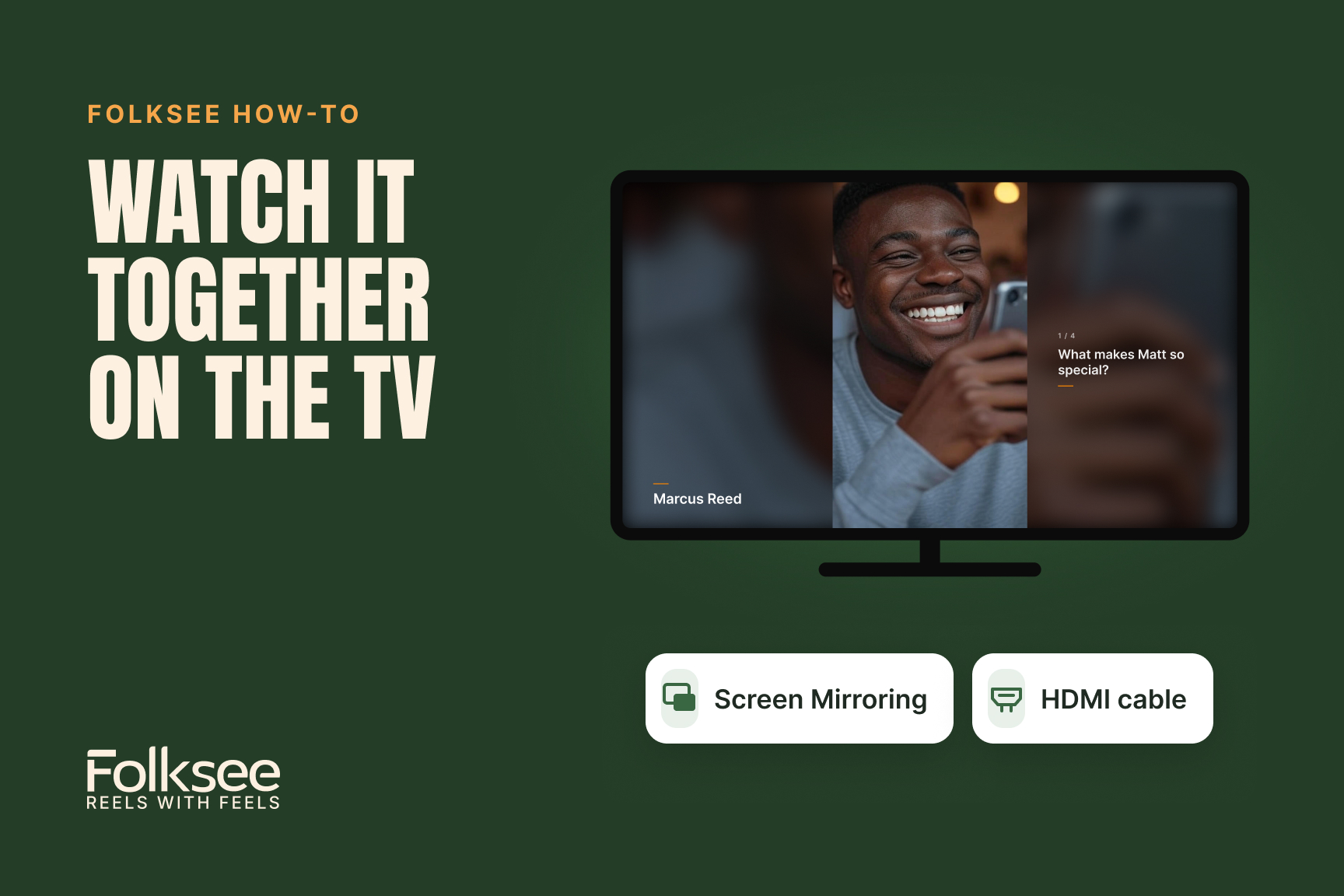
To watch a Folksee reel on a TV, open the reel on your phone or computer, then show your screen on the TV with your device’s built-in screen mirroring, or plug a laptop into the TV with an HDMI cable. There’s no app to install, and the sound plays through the TV.
Tip: tap Watch on a big screen first. The reel plays full screen, one question at a time, with each person’s name and the question beside their video.
Open Control Center, tap Screen Mirroring, and pick your TV. It works with Apple TV and most newer Samsung, LG and Vizio TVs.
Open Control Center, click Screen Mirroring, and pick your TV. Or connect an HDMI cable.
Connect an HDMI cable, or press Windows + K and pick your TV.
Swipe down, tap Cast (or Smart View on Samsung), and pick your TV.
Open Chrome’s ⋮ menu, choose Cast…, and pick your Chromecast or Google TV.
Most reliable of all: plug a laptop into the TV with an HDMI cable. No TV handy? Just gather round a laptop.
No. Any TV with an HDMI port works with a laptop and a cable.
Not at all, but it’s wonderful when they are. Afterward, they can open their gift link to save the reel and record a thank-you for everyone.
Yes. Pause and play from your phone or computer as usual.
Haven’t made a reel yet? Start one free. Every organizer starts with 5 free credits.
Why we made Folksee
People deflect love when you say it to their face. A reel takes the room away, so it finally lands — and it's the opposite of doomscrolling.
Read what Reels with Feels means →


Everything works best in your phone’s browser. Tap below to open Folksee in Chrome/ Safari.
