
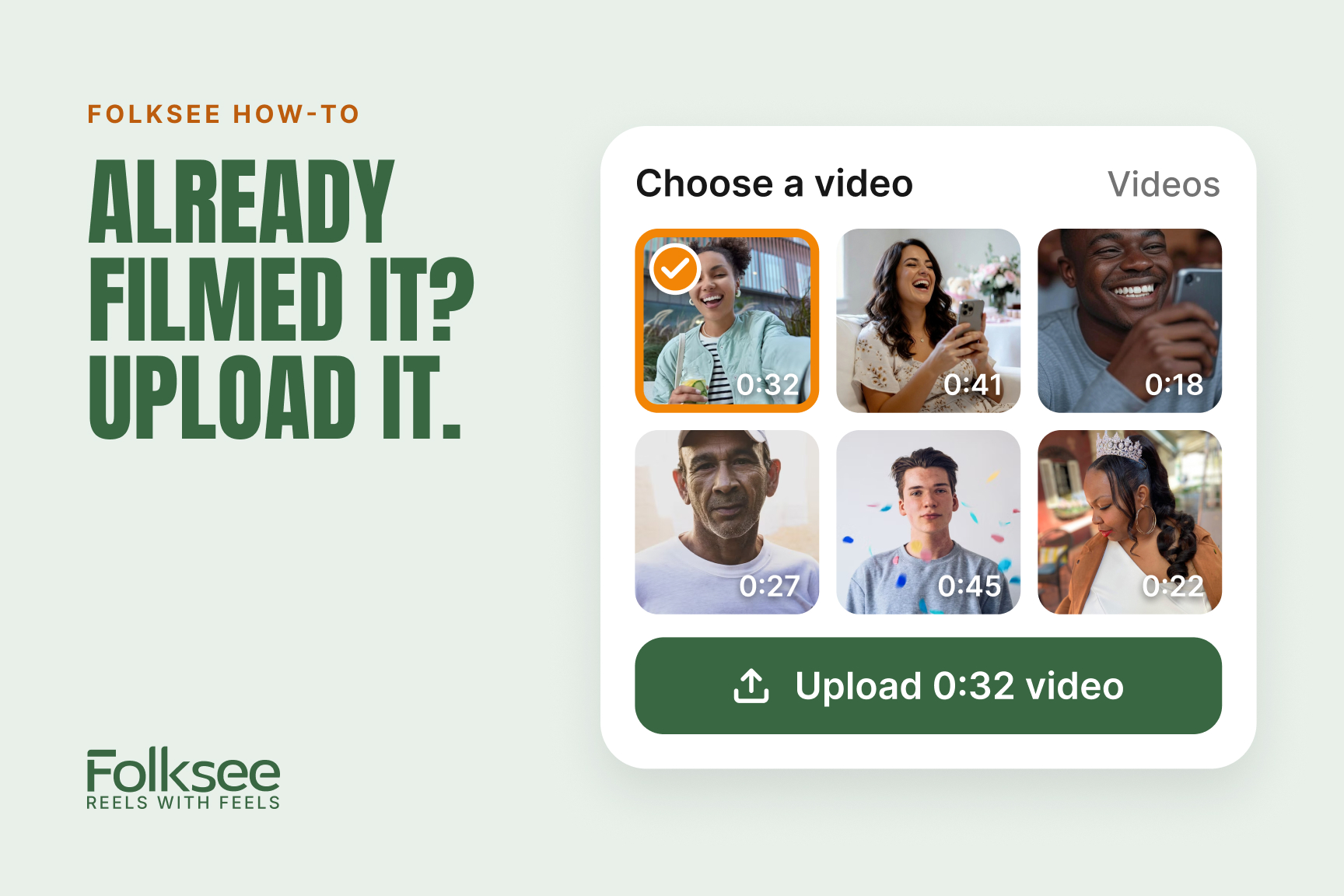
Yes, you can upload a video you’ve already filmed to a Folksee reel instead of recording a new one. Open the reel link, pick a question, tap Upload, and choose a video from your phone or computer. Videos can be up to 45 seconds long.
Your video goes straight to secure storage and shows up on the reel a moment later.
Up to 45 seconds, the same as a video recorded in Folksee. If yours is longer, trim it on your phone first. On an iPhone, open the video in Photos, tap Edit, and drag the ends. On Android, open it in Google Photos and tap Edit.
Recording right in Folksee is usually the quickest way. The question stays on screen while you talk, and you can retake as many times as you like. Only the take you save is shared.
Uploading is perfect when:
If your browser blocks the camera, Folksee shows a short card explaining how to turn your camera and microphone back on. You can also skip it and tap Upload a video instead.
Yes. Make a short slideshow of your own photos on your phone, screen-record it while it plays, trim it to 45 seconds, and upload it. Use your own photos and videos, not clips from movies, TV shows or YouTube.
No. Folksee works in the browser on iPhone, Android, Mac and PC. There’s nothing to install.
One video for each question on the reel, and a reel has up to 5 questions.
Yes. Until recording closes, you can replace or delete any video you added.
No. Contributors never pay. The organizer’s credits cover everyone who adds a video.
Want to make a reel for someone in your life? Start one free. Every organizer starts with 5 free credits.
Why we made Folksee
People deflect love when you say it to their face. A reel takes the room away, so it finally lands — and it's the opposite of doomscrolling.
Read what Reels with Feels means →


Everything works best in your phone’s browser. Tap below to open Folksee in Chrome/ Safari.
