

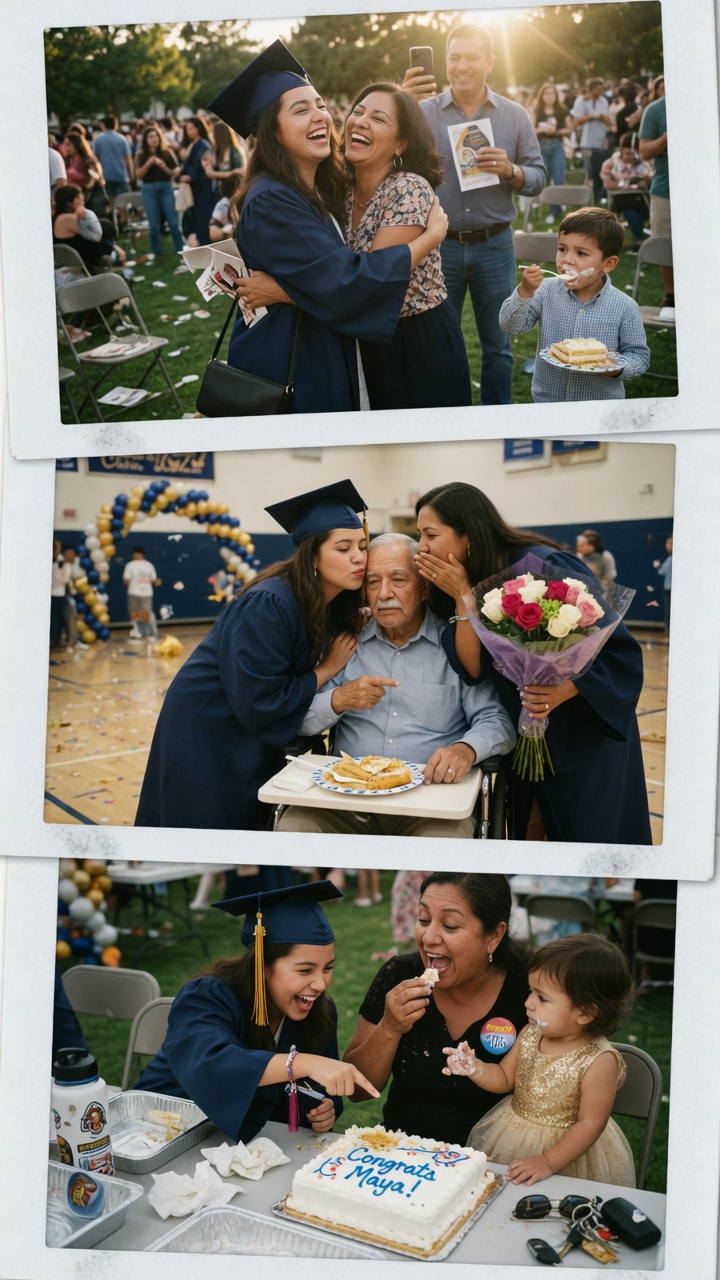
A graduation marks the end of one chapter and the exciting beginning of another. While a card or gift is thoughtful, nothing captures the emotion, pride, and love quite like a heartfelt graduation video reel — a collection of personal video messages from family, friends, teachers, and classmates all in one beautiful keepsake.
Whether you’re a parent, sibling, best friend, or teacher, creating a graduation video reel is one of the most meaningful ways to celebrate the graduate. In this step-by-step guide, you’ll learn exactly how to plan, gather, and deliver a professional-quality reel that will move them to tears (in the best way).

A video reel isn’t just another present — it’s a living memory. Graduates can rewatch it years later and relive the love and support they felt on their big day. It works beautifully whether the graduate is heading to college, starting a new job, or moving across the country.
Best of all, you don’t need video editing skills or expensive software. Modern platforms make the entire process simple, even if contributors are scattered across different cities or time zones.
Step 1: Decide on the Theme and ScopeStart by answering a few key questions:
Pro tip: A mix of emotional and lighthearted messages usually works best.
Step 2: Choose Your Platform
Look for a tool that lets contributors record directly from their phone or computer with no app download required. The best options allow you to:
Step 3: Create a List of Contributors
Think beyond immediate family. Great contributors include:
Step 4: Send the Invitation with Clear Prompts
The quality of your reel depends heavily on the prompts you give contributors. Vague instructions like “just say something nice” often lead to short, generic messages. Instead, give 3–4 specific prompt options so people know exactly what to say.
Here are some of the best graduation video prompts:
For Family Members
For Friends & Classmates
For Teachers & Mentors
Step 5: Set a Deadline and Send Gentle Reminders
Give contributors 7–10 days to record. Send a friendly reminder 3 days before the deadline. Most people respond well to a simple message like:“Hey! Just a quick reminder — we’re collecting graduation messages for [Name] and would love to include yours. Here’s the link if you haven’t recorded yet!”
Step 6: Compile and Customize the ReelOnce all the videos are in, the platform should automatically stitch them together. Add these finishing touches for a professional result:
Step 7: Deliver the Surprise
The best ways to present the reel:
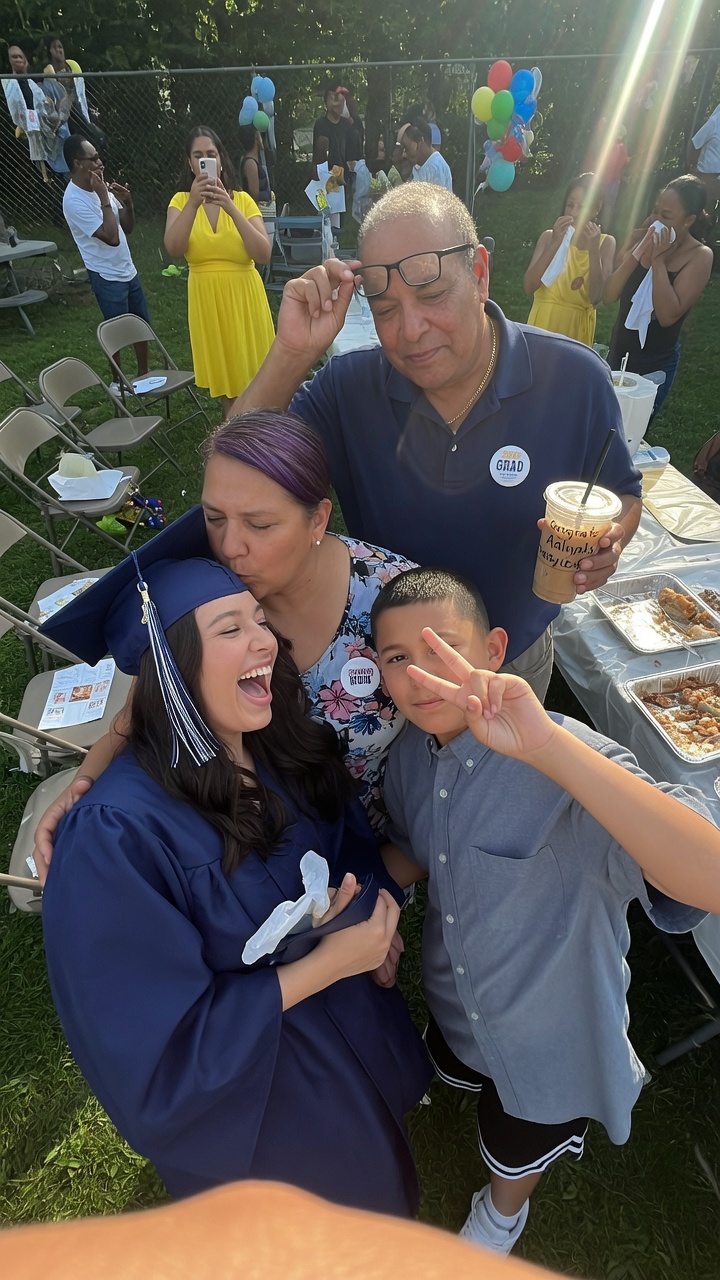
Making a heartfelt graduation video reel doesn’t have to be complicated or time-consuming. With the right platform and thoughtful prompts, you can create a gift the graduate will treasure for years to come.
Folksee makes the entire process effortless — no app downloads, no editing skills required. You simply start a free reel, share one link with contributors, and Folksee automatically compiles everything into a beautiful, Instagram-style video they can watch and rewatch forever.
Start your free graduation video reel today and give the graduate in your life a gift they’ll never forget.
Why we made Folksee
People deflect love when you say it to their face. A reel takes the room away, so it finally lands — and it's the opposite of doomscrolling.
Read what Reels with Feels means →


Everything works best in your phone’s browser. Tap below to open Folksee in Chrome/ Safari.
